

Summarize this article with
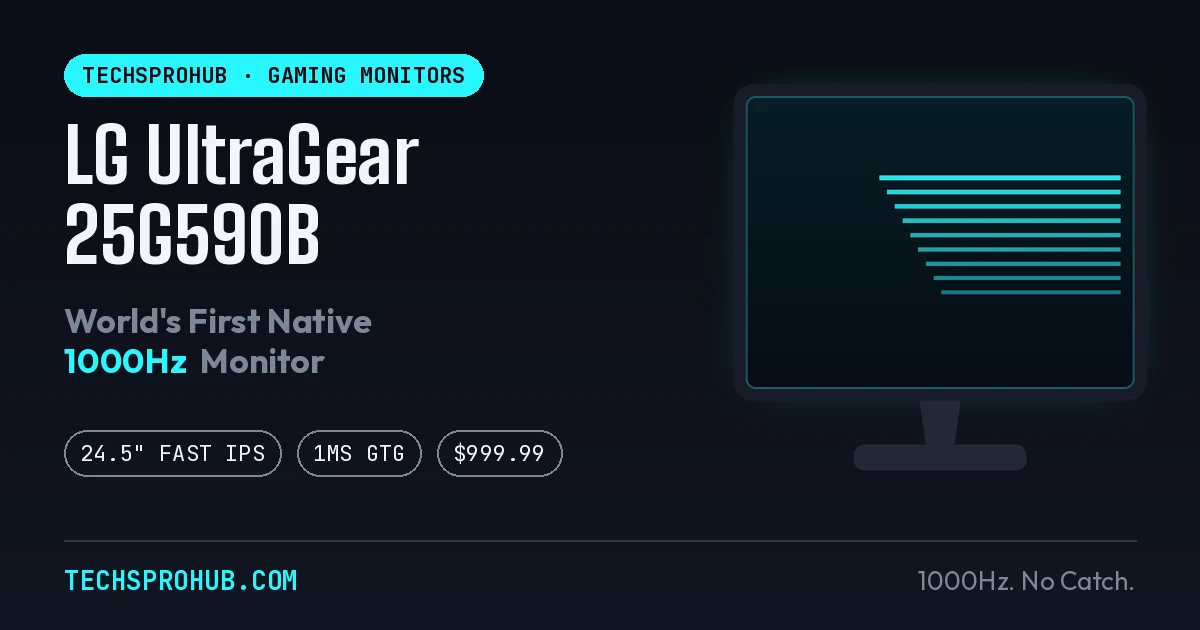
Refresh rates have been climbing for years, and just when 360Hz started to feel almost normal, LG decided to skip a few grades. The LG’s 1000Hz gaming monitor UltraGear 25G590B is a 24.5-inch Full HD monitor that hits a native 1000Hz refresh rate — no asterisks, no resolution downgrade, no dual-mode sleight of hand. It’s simply 1920×1080 running a thousand times a second, which sounds less like a spec sheet and more like a dare.
What Is the LG UltraGear 25G590B?
The 25G590B is LG’s first monitor to hit native 1000Hz at full 1080p, announced in May 2026 and launched in August 2026. LG bills it as the world’s first Full HD gaming monitor from a consumer brand with native 1000Hz support. It’s built on a Fast IPS panel rather than the TN panels older ultra-high-refresh monitors leaned on, which means you’re not trading image quality for speed the way you used to.
Why “Native” 1000Hz Actually Matters
Here’s the part that separates this monitor from the “1000Hz” monitors that came before it: most of them cheated. They hit that number only in a reduced-resolution mode — usually dropping to 720p — because pushing full 1080p at 1000Hz needs bandwidth most panels simply didn’t have. The 25G590B skips that trick entirely — it runs at a full 1920×1080 and 1000Hz by default, no resolution swap required, which is the whole point of the “native” label LG keeps stamping on it.
Think of it like a car that claims a top speed but only reaches it with the doors off and no passengers — that’s the old dual-mode approach. The 25G590B keeps the doors on.
Key Specs at a Glance
| Spec | Detail |
|---|---|
| Panel | 24.5″ Fast IPS, Full HD (1920×1080) |
| Refresh rate | Native 1000Hz, overclockable to 1100Hz |
| Response time | 1ms (GtG) |
| Color coverage | 99% DCI-P3 |
| HDR | VESA DisplayHDR 400 |
| Motion tech | Motion Blur Reduction (MBR) Pro |
| Adaptive sync | AMD FreeSync Premium, NVIDIA G-Sync compatible |
| Connectivity | DisplayPort 2.1 (UHBR20), 2x HDMI 2.1, USB-C |
| Extras | Low-reflection film, height/tilt/swivel stand adjustment |
LG also folded in some on-device AI touches — AI Scene Optimization to tune picture settings per game genre, and AI Sound for spatial audio tuning with compatible headsets.
What You Actually Need to Hit 1000Hz
This is where the fine print earns its keep. To reach the full 1000Hz, LG specifies DisplayPort 2.1, Windows 11, and a recent GPU — think NVIDIA’s RTX 50-series or AMD’s Radeon RX 9070/9060/7900-series or newer. The DP 2.1 UHBR20 connection is what carries a full 1080p signal at that speed instead of forcing a fallback mode.
And GPU horsepower is only half the battle. Independent analysis of the 1000Hz format has pointed out that sustaining anywhere close to 1000 frames per second in real games is unrealistic outside lightweight esports titles running on flagship hardware — the DisplayPort bandwidth itself is stretched close to its ceiling even at 1080p with 8-bit color. In plain terms: the monitor can do 1000Hz. Your GPU driving 1000 actual frames per second in CS2 or Valorant is a separate — and much harder — question.
| Refresh target | Rough FPS needed | Realistic GPU tier (1080p) |
|---|---|---|
| 144Hz | 144 FPS | RTX 5050 / RX 7600 |
| 240Hz | 240 FPS | RTX 5060 / RX 9060 XT |
| 360Hz+ | 360+ FPS | RTX 5070-class or higher |
| 1000Hz | 1000 FPS | Flagship-tier, lightweight esports titles only |
NVIDIA’s own guidance backs this pattern up at the lower tiers, noting 144, 240, and 360 FPS as the benchmarks needed to feed 144Hz, 240Hz, and 360Hz monitors respectively — 1000Hz is simply off that chart for most real-world game engines today.
Is 1000Hz Overkill, or Does It Actually Matter?
The human eye doesn’t perceive “frames” the way a spec sheet does, but motion clarity keeps improving well past the point most people assume it caps out. The gains between 240Hz and 360Hz are already subtle for most players; the gains between 360Hz and 1000Hz get subtler still. What you’re really buying at 1000Hz isn’t a night-and-day visual leap — it’s reduced motion blur, tighter frame pacing, and lower input latency, which matter far more to a pro-level CS2 or Valorant player tracking a fast-moving target than to someone playing casually.
Early hands-on impressions from display enthusiasts on forums like Blur Busters have been notably positive about the panel itself, describing the IPS response times as a major step up from earlier 480-500Hz IPS generations — though even they note OLED still edges it out on raw pixel response. In other words: this is a genuinely strong panel, not just a marketing number. Whether it’s worth it depends entirely on whether you’re the kind of player who can feel the difference between 360Hz and 1000Hz — and right now, that’s a very small, very competitive slice of the gaming population.
Price and Availability
LG priced the 25G590B at $999.99 for the US launch, with pre-orders opening in late July 2026 and shipments beginning in early September. That’s roughly a dollar per Hz, which is either a clever marketing coincidence or LG’s finance team having a sense of humor.
| Region | Status (as of Aug 2026) |
|---|---|
| United States | Available, $999.99 |
| UK | Listed on LG’s UK site, pricing regional |
| Global (H2 2026) | Phased rollout, timelines vary by market |
| India | Not yet confirmed at initial launch |
If you’re shopping from India, there’s no official price or launch date yet — keep an eye on LG India’s store and the usual retailers (Amazon India, Flipkart, LG’s offline partners) as the global rollout continues through the second half of 2026.
Who Should Actually Buy This
The 25G590B isn’t chasing the average gamer, and LG isn’t pretending otherwise. It’s built for:
- Competitive FPS and esports players — CS2, Valorant, Apex Legends, Overwatch — who play at 1080p and can genuinely push very high frame rates
- Streamers and pro-adjacent setups already running (or planning to run) flagship GPUs
- Motion-clarity purists who’ll trade resolution and premium HDR for the fastest, sharpest motion tracking they can get
If your setup leans more toward content creation, color-accurate work, or 1440p/4K gaming, this monitor isn’t really talking to you — a high-refresh 1440p OLED or mini-LED panel will serve you better. The 25G590B trades resolution and HDR headroom for one thing and one thing only: speed at 1080p.
How It Stacks Up Against Other High-Refresh Monitors
| Monitor type | Refresh rate | Resolution | Best for |
|---|---|---|---|
| Standard esports panel | 240Hz | 1080p | Budget-conscious competitive play |
| High-end esports panel | 360-500Hz | 1080p | Serious competitive players |
| Premium OLED (e.g. LG UltraGear 27GR95QE) | 240Hz | 1440p | Image quality + speed balance |
| LG UltraGear 25G590B | 1000Hz (native) | 1080p | Maximum motion clarity, frame pacing |
FAQ
What makes the LG UltraGear 25G590B “native” 1000Hz?
It runs the full 1000Hz refresh rate at its native 1920×1080 resolution without dropping to a lower-resolution mode, unlike earlier dual-mode 1000Hz-class monitors that only hit that number at 720p.
Can any GPU actually push 1000 FPS on this monitor?
No. Even flagship GPUs struggle to sustain 1000 FPS outside lightweight esports titles — you’ll need DisplayPort 2.1, Windows 11, and an RTX 50-series or equivalent AMD card just to unlock the mode, and real-world frame rates that high are realistic in only a handful of games.
Is the LG UltraGear 25G590B available in India?
Not yet confirmed as of the initial launch. It’s currently available in the US at $999.99, with a global rollout planned for the second half of 2026.
Should I buy this over a 1440p OLED gaming monitor?
Only if competitive 1080p motion clarity is your priority. For color accuracy, HDR, or higher resolution, a 1440p OLED panel is the better pick.
The Bottom Line
The LG UltraGear 25G590B is less a monitor for right now and more a preview of where esports displays are headed. It’s a genuinely new milestone — native 1000Hz at full 1080p, no shortcuts — but it’s also a product that’s ahead of the hardware most people have to actually feed it. If you’re the kind of player already chasing every millisecond of input lag with a flagship GPU, this is your next upgrade. Everyone else can watch this one trickle down into more mainstream monitors over the next year or two, the same way 240Hz eventually did.
Read more: TV vs. Gaming Monitor: Which is Best for the PS5?