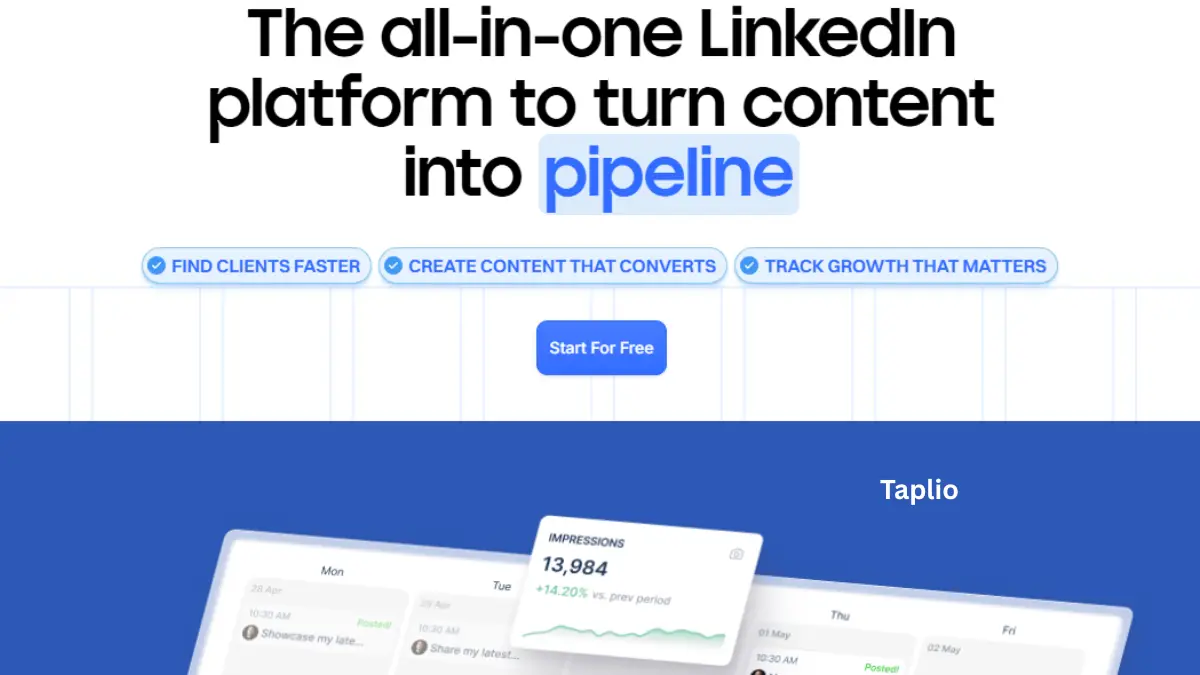

I tried out Taplio for three weeks to determine whether it is a platform that fulfills its promises. Taplio is an AI product that purports to be able to automate all the things on LinkedIn: creating posts, scheduling the same, tracking analytics, and finding leads. It is true, yet there is a significant drawback: it may result in the banning of your LinkedIn account. Here’s what I discovered.
What Is Taplio Used For?
Taplio is an indicator that assists LinkedIn expansion. And it works the hard stuff: posting, planning, monitoring, and lead hunting, so that you do not need to spend hours on it.
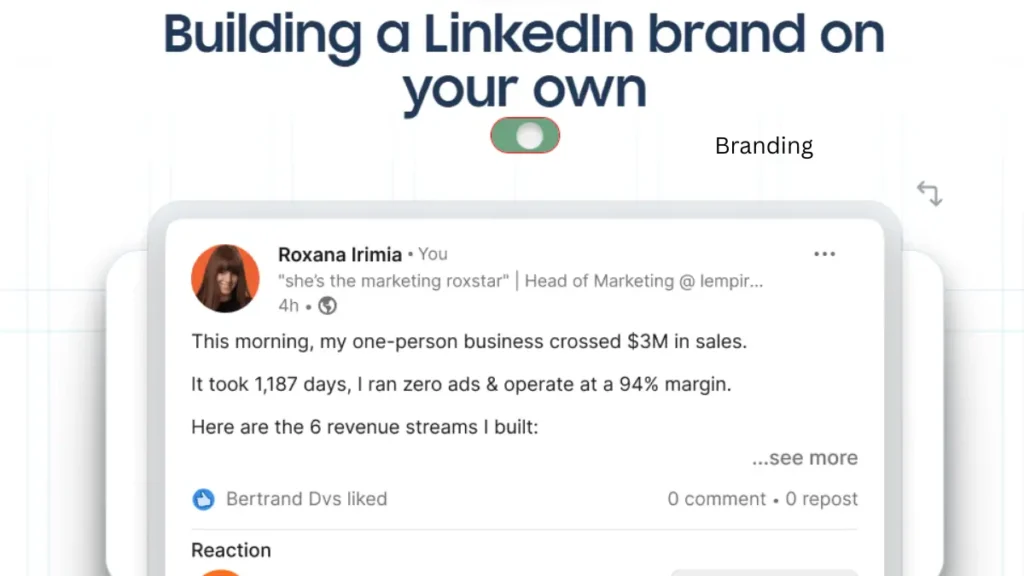
Here’s what it actually does:
AI Content Generation
Input a title or a YouTube URL into Give Taplio, and the GPT-4-based engine will produce LinkedIn posts, hooks, and ideas in the form of a carousel. It also has the ability to convert your blog posts into LinkedIn formats.
Scheduling & Auto‑Posting
Pre-schedule your week’s assignments. It has the ability to automatically blog your content and also add links in comments once they have been posted. It also includes an auto-DM option, as I will be discussing further since this may be risky.
Viral Inspiration Library
Taplio makes over 4 million viral LinkedIn posts available to you. You can find someone in a niche, duplicate what is popular, and customize it to your flavor. It is a cheat book to engagement.
Lead Generation
Taplio contains 3 million or more LinkedIn profiles in its database. You have an option to filter by industry, job title, or location and add such people to outreach lists.
Deep Analytics
More specific than those of LinkedIn. It follows the performance of every post, the increase of followers, and trends in the levels of engagement.
Is Taplio Safe for LinkedIn?
No. Using Taplio may result in a restricted or banned account.
The reason behind this is the following: LinkedIn’s Terms of Service prohibit automation tools used by third parties. Taplio automates posting, scraping of leads, and mass engagement, which violate the latter.
The 2025 Ban Wave
In April 2025, LinkedIn blocked a great number of automation tools. The company page of Taplio was limited in the access of even Taplio leaders. Shadow-bans (reduced reach) and temporary suspensions followed aggressive feature use by the users.
How to reduce risk
Do not over-automate auto-DMs, mass connection requests, or fast responses. Write your posts and make schedules primarily using Taplio. Imagine Taplio being more of a writing assistant and not a full autopilot.
Who is Taplio Really Supposed to Use?
Taplio is created to serve the needs of power users, founders, consultants, and ghostwriters who consider LinkedIn one of their primary revenue streams. Taplio works well in case you publish daily and you have to deal with the leads during the creation of the content.
Best for:
The founders were creating their personal brands.
- Consultants creating inbound leads.
- Agencies that handle various clients (Pro plan)
- Every LinkedIn user is capable of losing his or her account, temporarily.
Skip it if:
- You blog randomly (once or twice a week).
- You can not afford to lose your account, which is your livelihood.
- You have a low budget and simply need AI writing assistance.
How Much Does Taplio Cost?
Taplio operates on three levels of pricing:
Starter ($39/month): The creation of content, scheduling, and the simplest analytics. Good for where solopreneurs will get their feet wet.
Standard ($55-$65/month): Includes AI outreach capability and relationship management.
Pro (149/month): Up to agency level, increased AI credit limits, and access to the entire lead database.
It does not have a fixed free plan. It provides you with seven days of trial (you need to provide a credit card), but no more.
Can I Use Taplio for Free?
Not for the full platform. But the Chrome extension by Taplio is free. It is located on LinkedIn, presents post statistics (views, interactions), and allows you to identify what you do best in a short time. Taplio also provides LinkedIn formatting helpers and carousel generators, which do not require any login, on their website as well.
Taplio vs. MagicPost: Which is the better one?
Taplio All in one (content, leads, analytics)—39m startup—ok quality, but it somehow feels AI-made without editing—it generates leads—40-60m is not a small amount of money to spend for the average user.
MagicPost—Pure content writing—$29/month—more human, conversational voice—no leads generated—cheaper with those writers who only require AI posts.
You need leads and analytics. Verdict: Taplio. The MagicPost is superior when you either just want to have great AI writing at a cheaper price or you are not concerned with automation.
Is Taplio Banned by LinkedIn?
It sits on thin ice, although unofficially. LinkedIn does not have a blacklist publicly, but the ToS of automation tools is violated. It is demonstrated that they focus on these platforms because of the April 2025 crackdown. Signing up will not get your account immediately banned, yet extensive use of automation, in particular, auto-DMs, mass actions, etc., will raise security alerts in the LinkedIn system.
Is Taplio A Good?
Pros
- The management LinkedIn saves over 70% of the time.
- A viral library provides a competitive advantage in reality.
- The carousel tool is a better deal on Canva Pro.
Cons
- Actual threat of account limitation.
- Expensive, between 40 and 60 monthly in comparison with other AI tools.
- Content may be robotic without human interventions.
Conclusion
Taplio is suitable for those hardcore creators who consider LinkedIn a business tool and can afford to run without it. When you are casual or you do not spend a lot of money, then you can use the free Chrome extension or use some options that cost less, such as MagicPost. You just have to be aware of what you are getting into, it is a gamble and not a promise.
Read more: How LinkedIn Is Used For Brand Awareness. Must Read